Update Your Profile Manually
Last updated: February 27, 2026
1. Navigate to https://member.goboon.co/account/profile
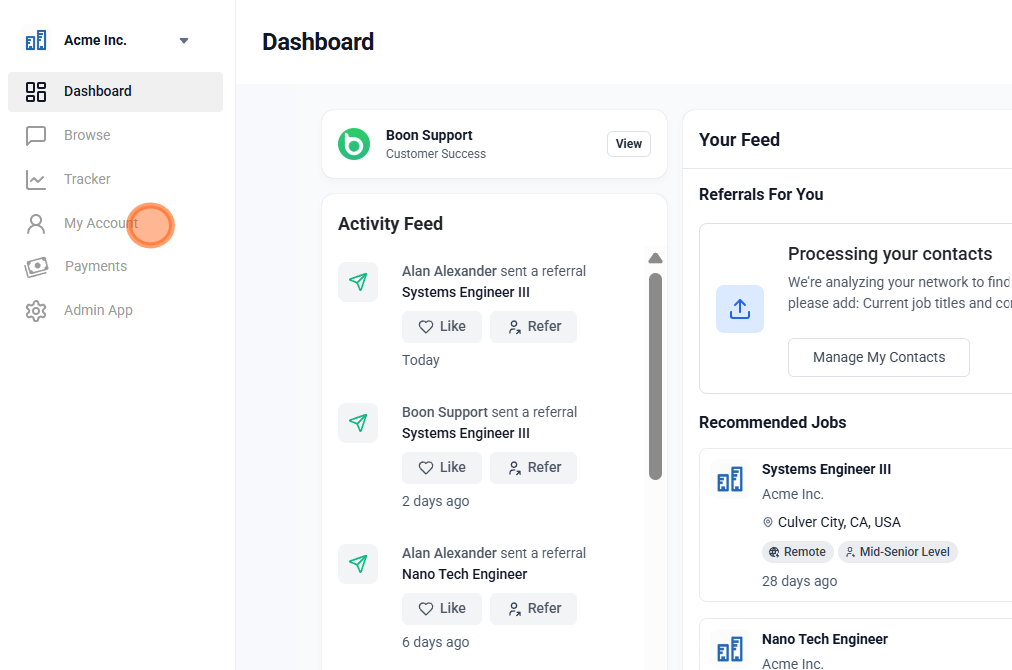
2. Select the 'More' icon

3. Select 'Edit' in your Profile

4. Edit your Personal Information and select 'Save'

5. On the Profile page, select any of the '+' or 'Pencil' icons to add/edit 'the About' and experience sections

Did this article help?