Import LinkedIn Connections
Last updated: March 2, 2026
1. Navigate to https://member.goboon.co/account/profile
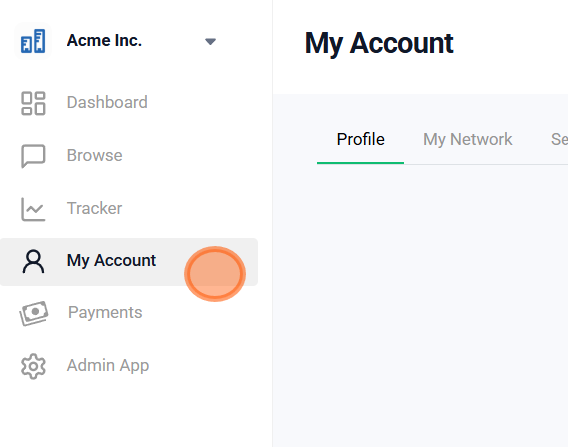
2. Select 'My Network.'

3. Select 'Sync sources'

4. Select 'Import LinkedIn'

5. Select 'Go to LinkedIn'

6. Select 'Connections' and 'Imported Contacts', then select 'Request archive'
Your download will be ready in about 10-20 mins.

7. Once LinkedIn has processed your export request, you will be notified via email.
You can also check the status directly on

8. Click 'Download archive'

9. Return to Boon, and click 'Import CSV or vCard'

10. Upload the CSV file you received from LinkedIn

Did this article help?