Sync Google & Outlook Contacts
Last updated: March 2, 2026
1. Navigate to https://member.goboon.co/account/profile
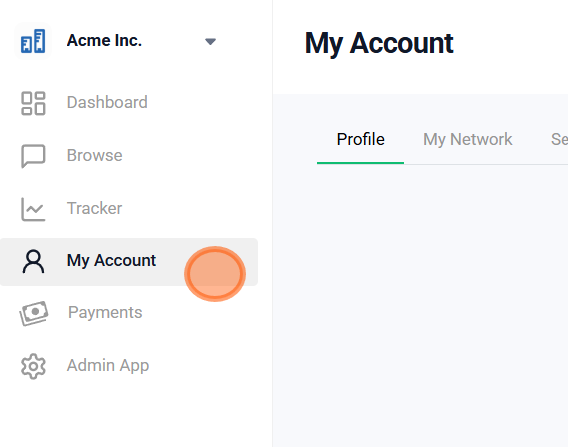
2. Select 'My Network'

3. Select 'Sync sources'

4. Select 'Add Sync Source'

5. Select 'Sync your contacts' for either your Google or Microsoft account

6. Complete the OAuth to connect your account

7. Once the OAuth is complete, your account should appear under 'Sync Sources'

Did this article help?