Request Reward Dispute Resolution
Last updated: March 3, 2026
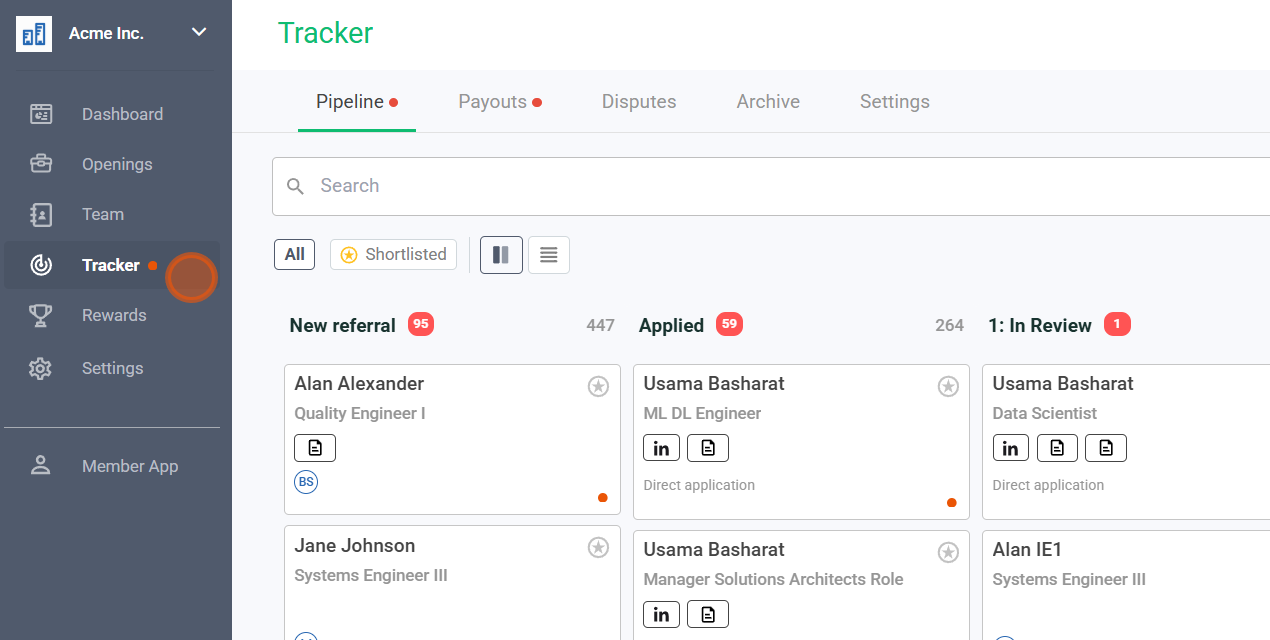
1. Navigate to the Payments tab in the User app
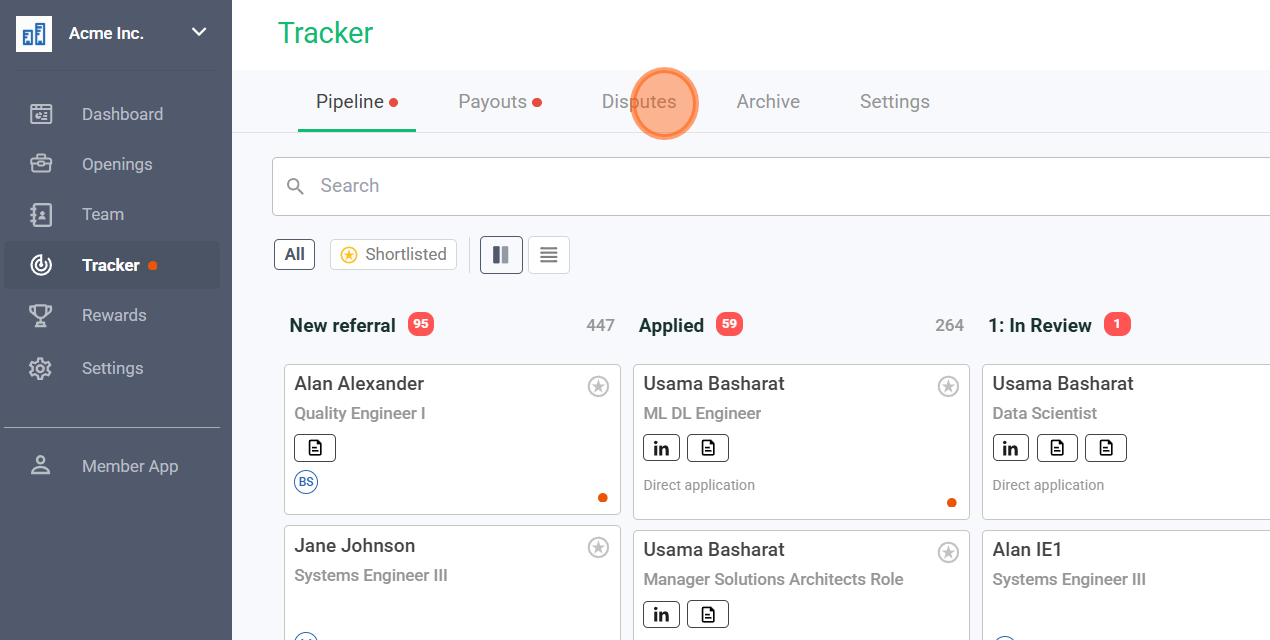
2. Click on "Disputes."
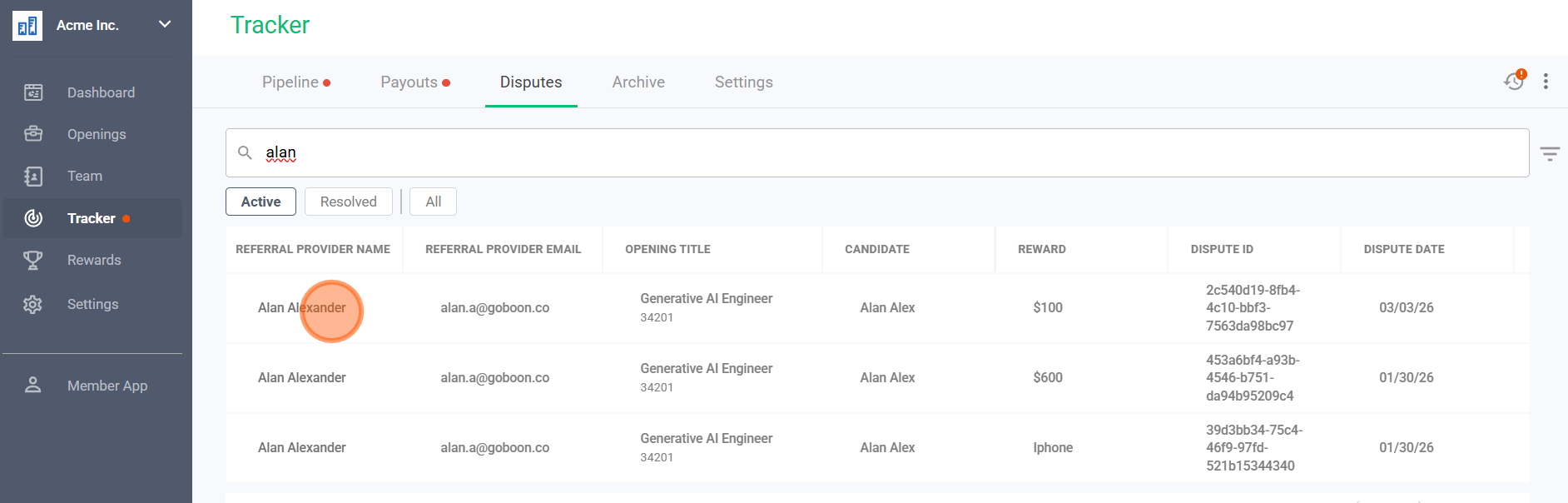
3. Click on the specific "Dispute."
Select which dispute you would like to resolve
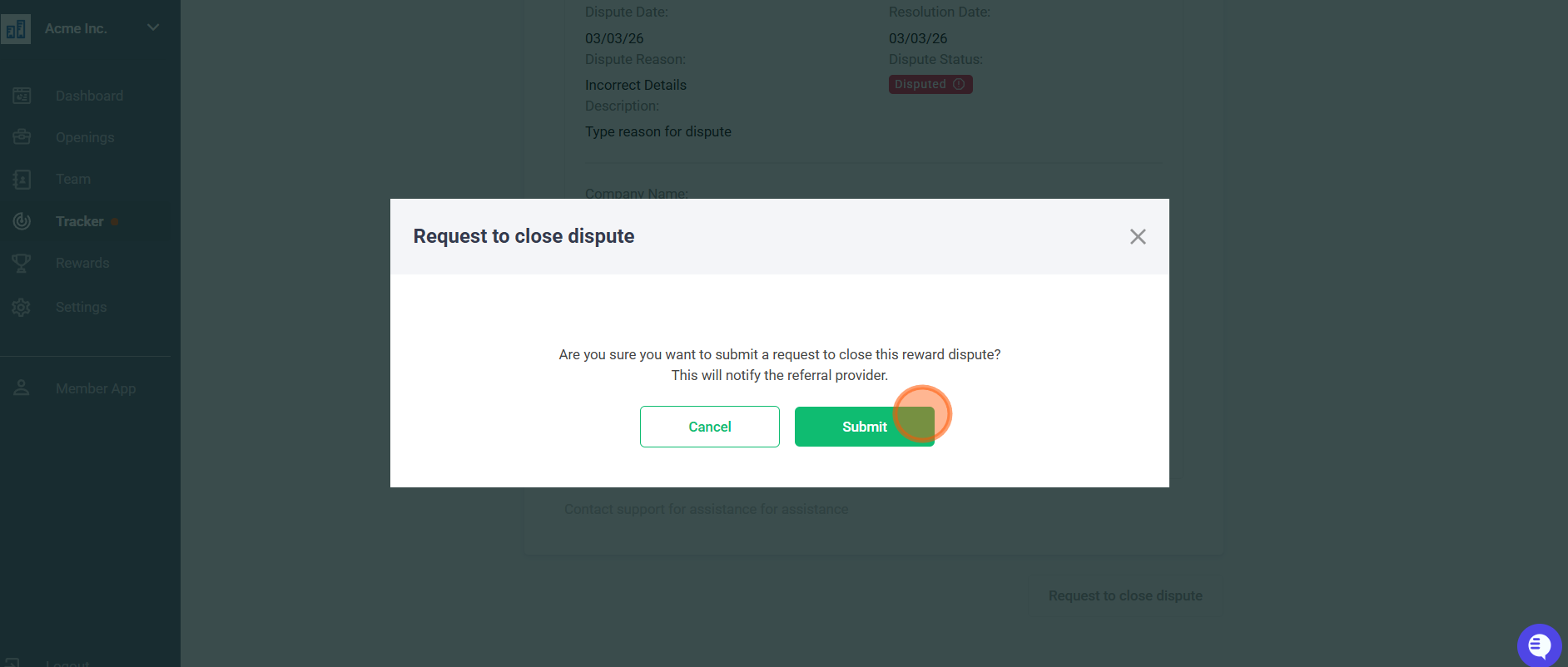
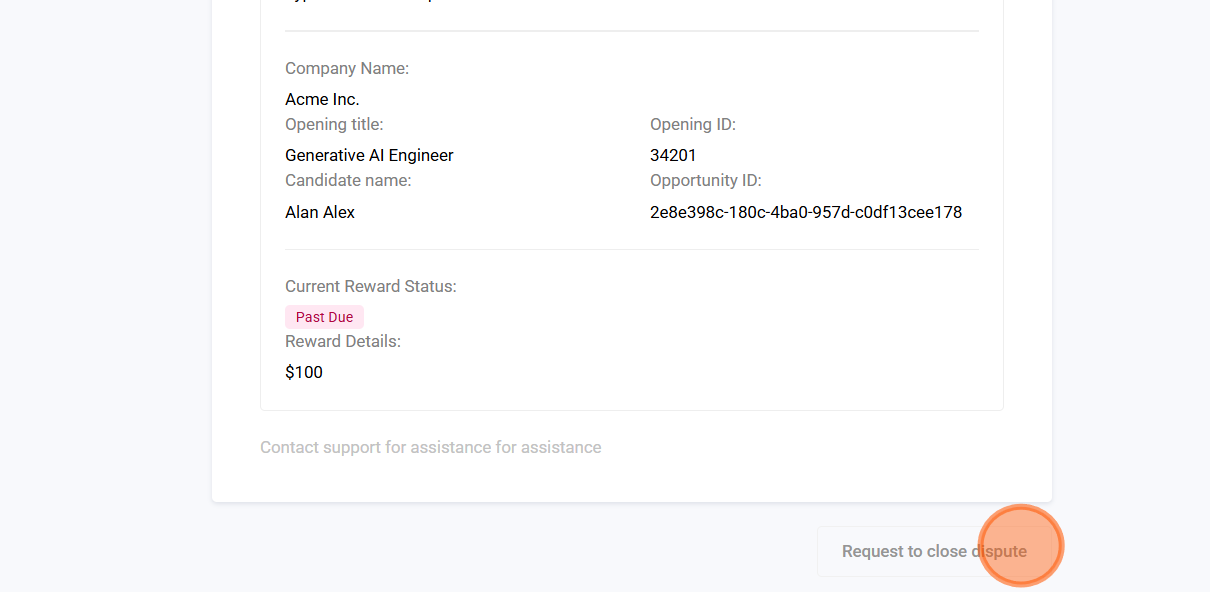
4. Click this 'Request to close dispute.
5. Click on the Submit Button