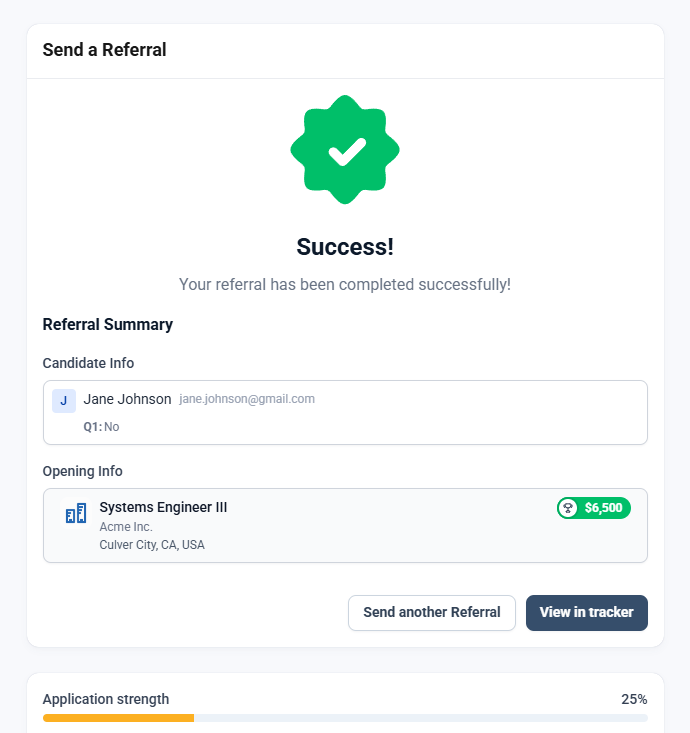
Send Referral Button
Last updated: February 26, 2026
1. Navigate to https://member.goboon.co/dashboard
2. Click 'Send Referral' button.
Top right on desktop. Bottom middle on mobile.
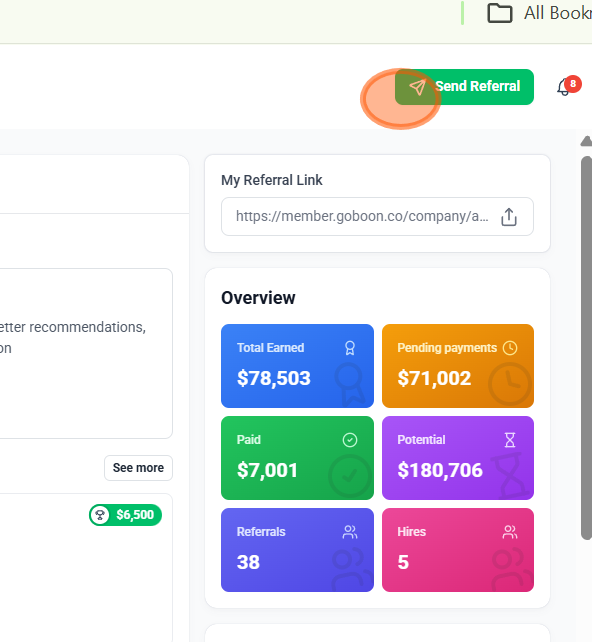
3. Click 'Send Referral' button in top right corner
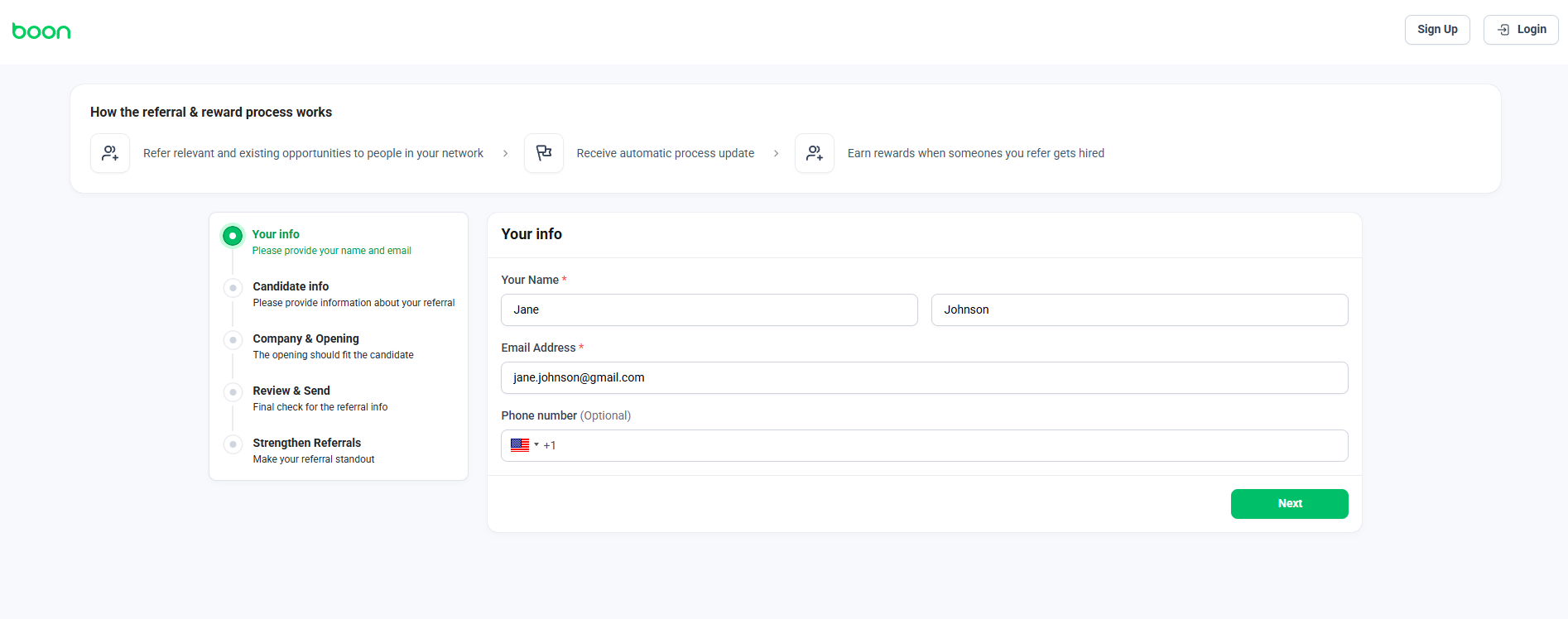
Add your information
If you are logged in, you will automatically skip this step.
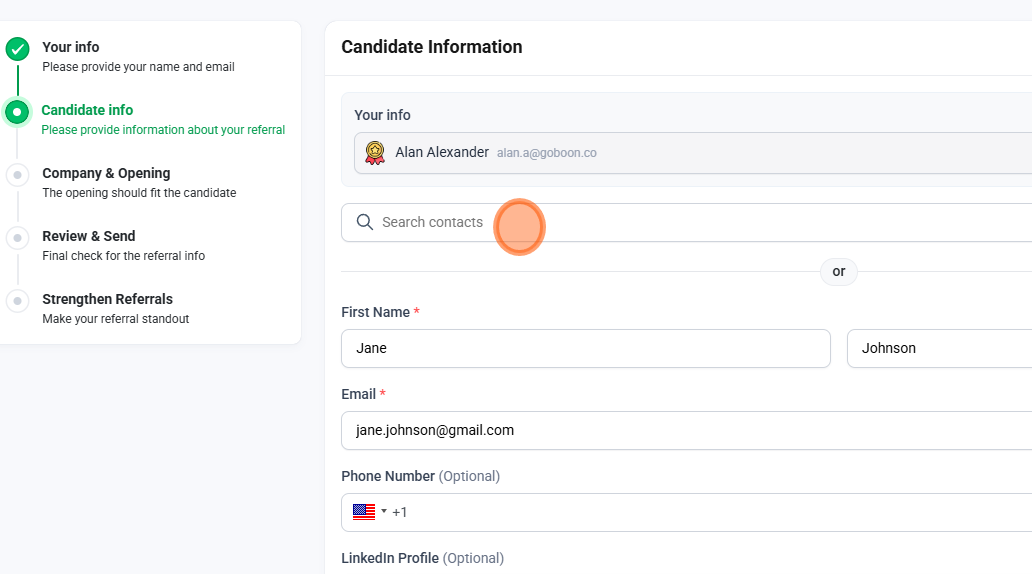
Search contacts or add contact information manually
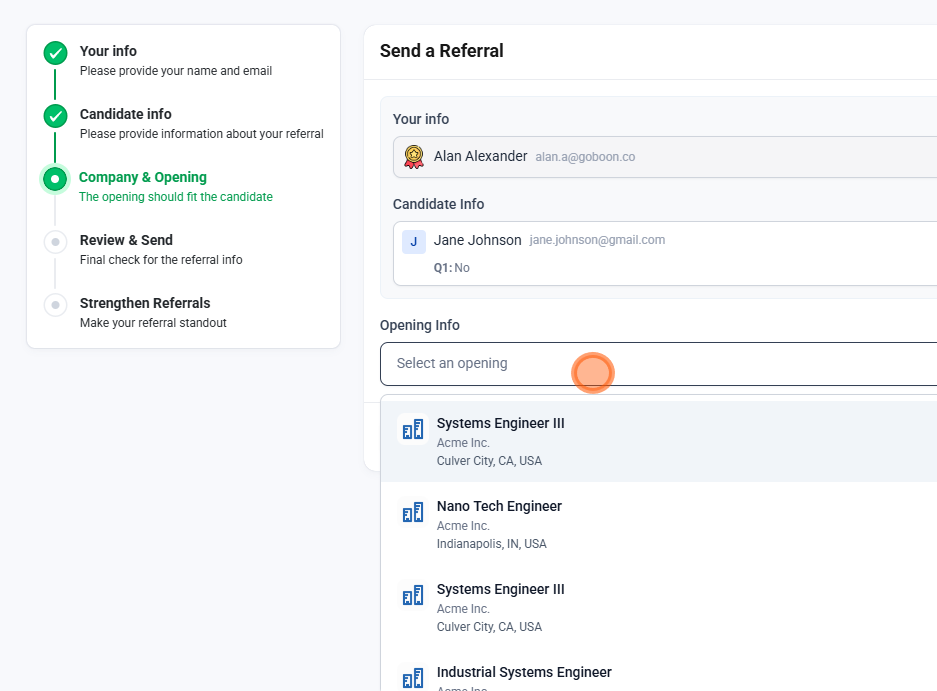
Select a relevant opening
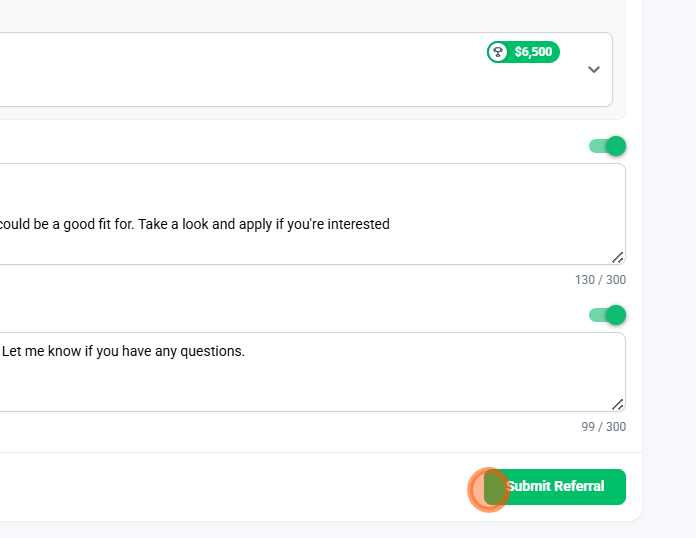
Submit referral
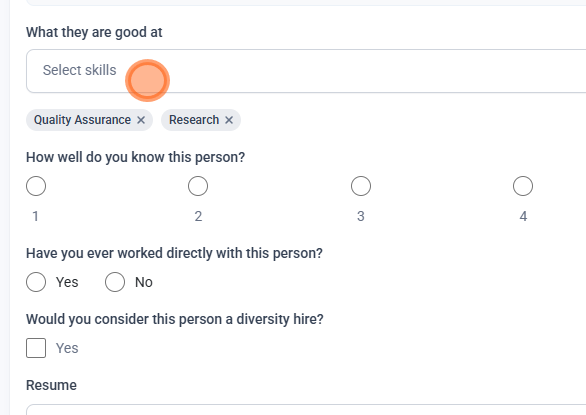
Strengthen your referral to improve their chances of being considered
Select 'Save'
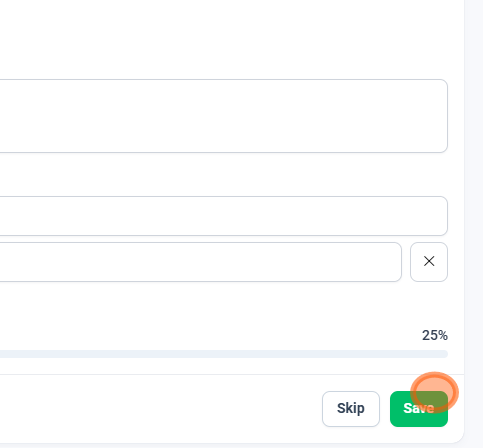
Your referral is complete!