How do I attach a resume when submitting a referral?
Last updated: July 18, 2026
When submitting a referral through Boon, you may want to include your candidate's resume so it can be shared directly with your hiring team. This article explains how to attach a resume during the referral submission process, and what to do if you've already submitted a referral without one.
Answer
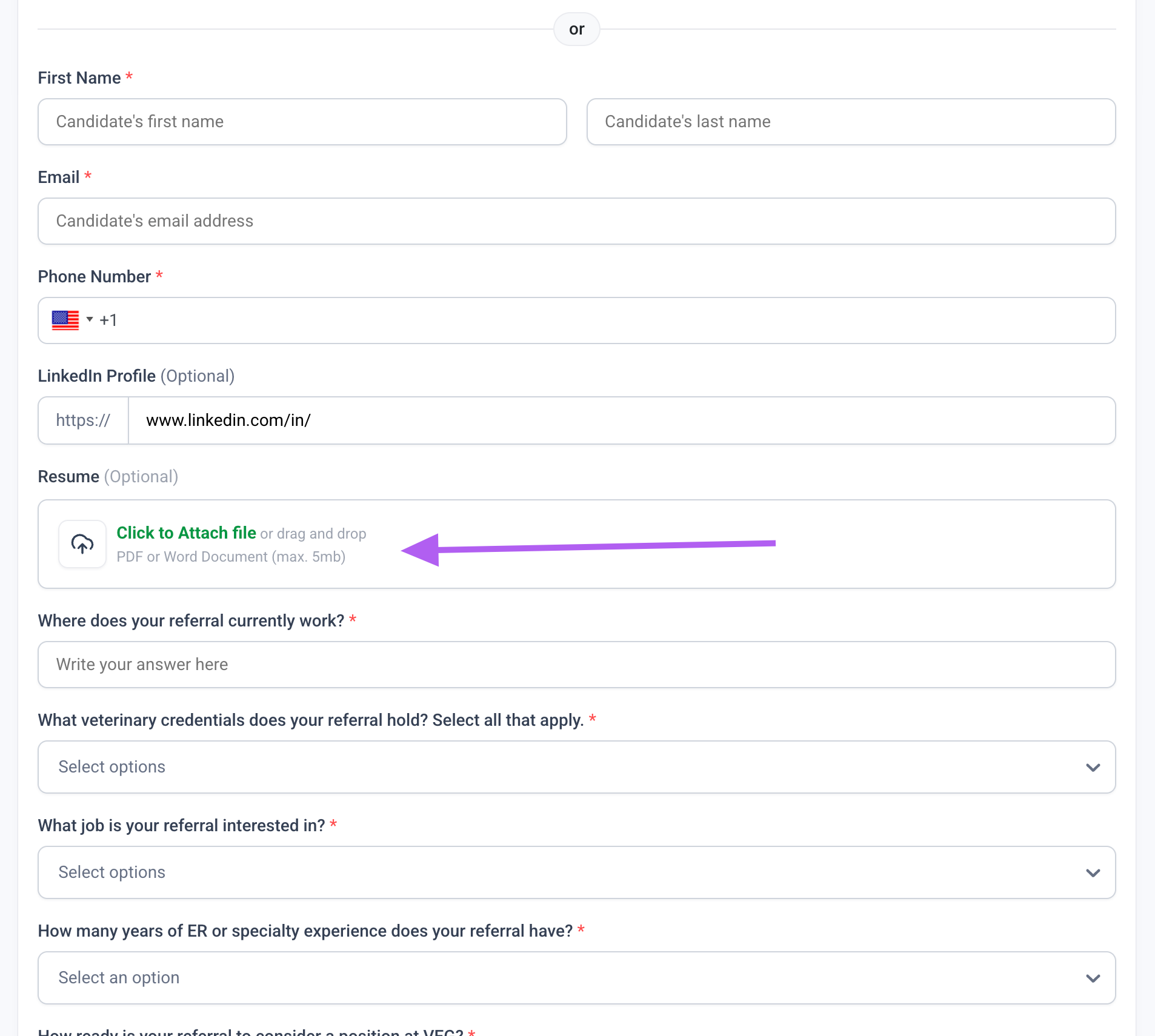
You can attach a resume directly within the referral form when submitting a new referral. Look for the resume drop zone in the form and upload the file before submitting.
If you have already submitted a referral without attaching a resume, you will need to contact your referral program admin directly. Provide them with the candidate's name, email address, and resume, and they will ensure it gets to the right place.
If you are unsure who your referral admin is, you can reach out to your company's referral program contact or email the Talent team for assistance adding the resume on the backend.